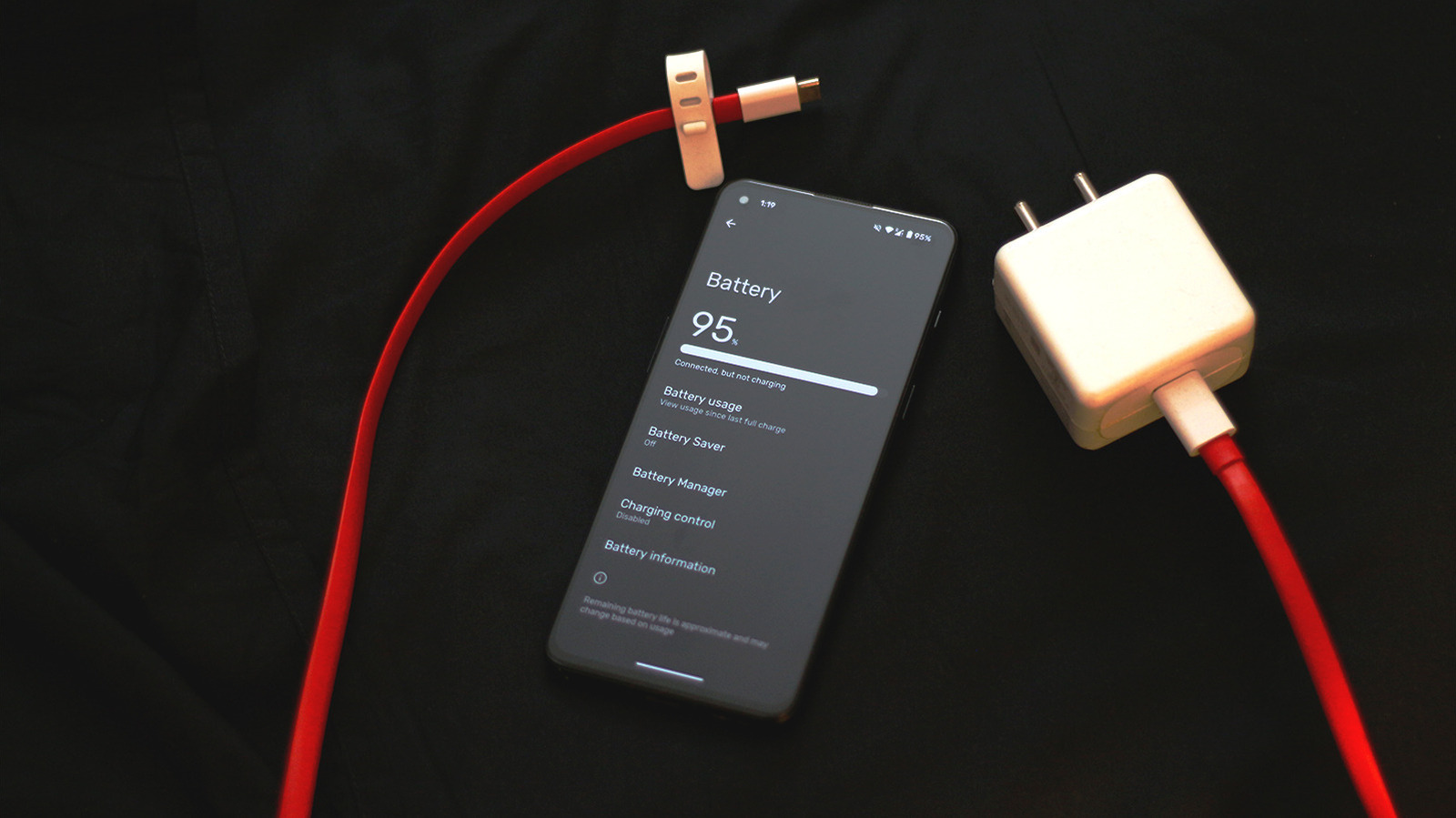
URGENT UPDATE: Android users are facing a critical battery drain issue as smartphones become increasingly advanced with better features but higher demands on battery life. If you’re tired of constantly charging your device, new settings can help you regain control over your battery performance RIGHT NOW.
Every year, smartphone technology advances rapidly, yet many users struggle with poor battery life. With new chips promising better efficiency, many Android users still find themselves tethered to chargers, often multiple times a day. The latest data confirms that battery degradation is a common problem, especially as phones age.
NOW is the time to act. Here are five essential settings to implement immediately to improve your Android’s battery life:
1. **Disable Always-On Display**: If your phone features an always-on display, this could be draining your battery unnecessarily. While this feature is convenient for checking notifications, it can chip away at battery life. Navigate to Settings > Display to toggle this feature off.
2. **Reduce Refresh Rate**: Lowering your phone’s refresh rate to **60Hz** can also help conserve battery power. While this may make scrolling feel slightly less smooth, the trade-off is worth it for extended battery life. Go to Settings > Display to adjust this setting.
3. **Switch to Dark Mode**: Dark mode has been proven to save battery life on devices with AMOLED screens. By switching to a dark theme, your phone will use less power since it can turn off individual pixels. Access this feature under Settings > Display and enjoy improved battery endurance.
4. **Manage Background Apps**: Many apps run in the background, consuming valuable battery life. Disable background usage for apps that you don’t need updating constantly. To do this, go to Settings > Apps, select the app, and modify its App battery usage settings.
5. **Switch to 4G**: With the rollout of 5G, many users may not realize that this technology can drain battery life much faster than 4G. If you are in an area with poor 5G coverage, consider switching back to 4G to maintain better battery life. Access this setting through Settings > Network and Internet > SIMs.
These changes can make a significant difference in how long your phone lasts between charges. As reported in July 2023, many users are unaware of these simple adjustments that can lead to a more efficient phone experience.
What happens next? Users are encouraged to monitor their battery health regularly and consider removing unnecessary battery saver apps that may actually worsen performance. As smartphones continue to evolve, understanding these settings will empower users to maximize their device’s potential.
Don’t let battery drain keep you from enjoying your device. Implement these changes today and share your experience with others!