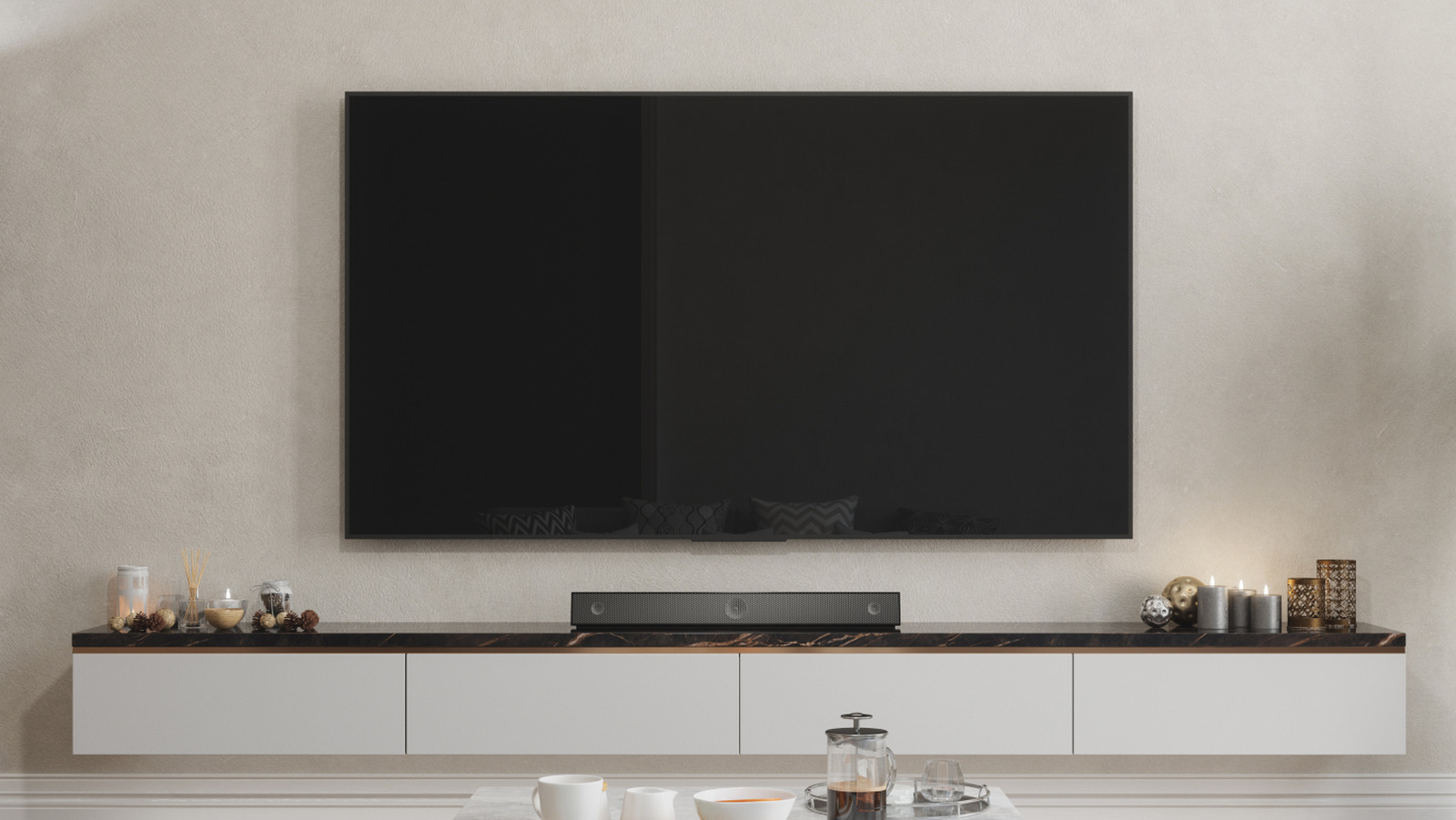
Setting up a new television involves more than just plugging it in. For optimal audio performance, it is essential to connect devices through the appropriate HDMI ports, particularly the HDMI eARC (enhanced Audio Return Channel) port. Utilizing this port for devices such as soundbars and audio receivers significantly enhances the sound experience, especially when using a home theater system.
The HDMI eARC port offers greater bandwidth and a higher bitrate compared to standard HDMI ports. This capability allows for faster data transmission, which is crucial for high-performance audio systems that support advanced formats like DTS:X and Dolby Atmos. Even devices like the Apple TV can benefit from being connected to an HDMI eARC port.
Understanding HDMI eARC Compatibility
To take full advantage of eARC’s benefits, it is important that both the audio device and the TV support this technology. Devices rated for the older Audio Return Channel (ARC) will still function when connected to an eARC port, but they will not achieve the enhanced quality that eARC offers. The capability for HDMI eARC was introduced in March 2017 as part of the HDMI 2.1 standard, marking a significant improvement over the original ARC feature, which struggled to deliver high-quality uncompressed audio. eARC allows for the transfer of formats like Dolby TrueHD, maximizing their potential.
Certain devices, such as Blu-Ray players, gaming consoles, and streaming sticks, do not leverage the advantages of eARC. This is primarily because eARC is designed to transmit audio signals from the TV to the audio device. While connecting these devices to an eARC port may not cause issues, it is not necessary for their performance. For example, gaming consoles like the PS5 benefit more from an HDMI 2.1 connection, which supports 4K resolution and reduces lag during gameplay.
Choosing the Right HDMI Port
If there is uncertainty regarding which HDMI port to use, referring to the user manual for the specific device is recommended. Manufacturers often provide guidance on whether to use eARC, ARC, or other HDMI ports for optimal connection. Most televisions clearly label their ports, but if labels are absent, the owner’s manual should provide the necessary information.
In summary, ensuring that audio devices are connected to the HDMI eARC port can greatly enhance sound quality for users who invest in home theater systems. Understanding the capabilities of HDMI eARC and the compatibility of devices is essential for anyone seeking to elevate their audio experience.