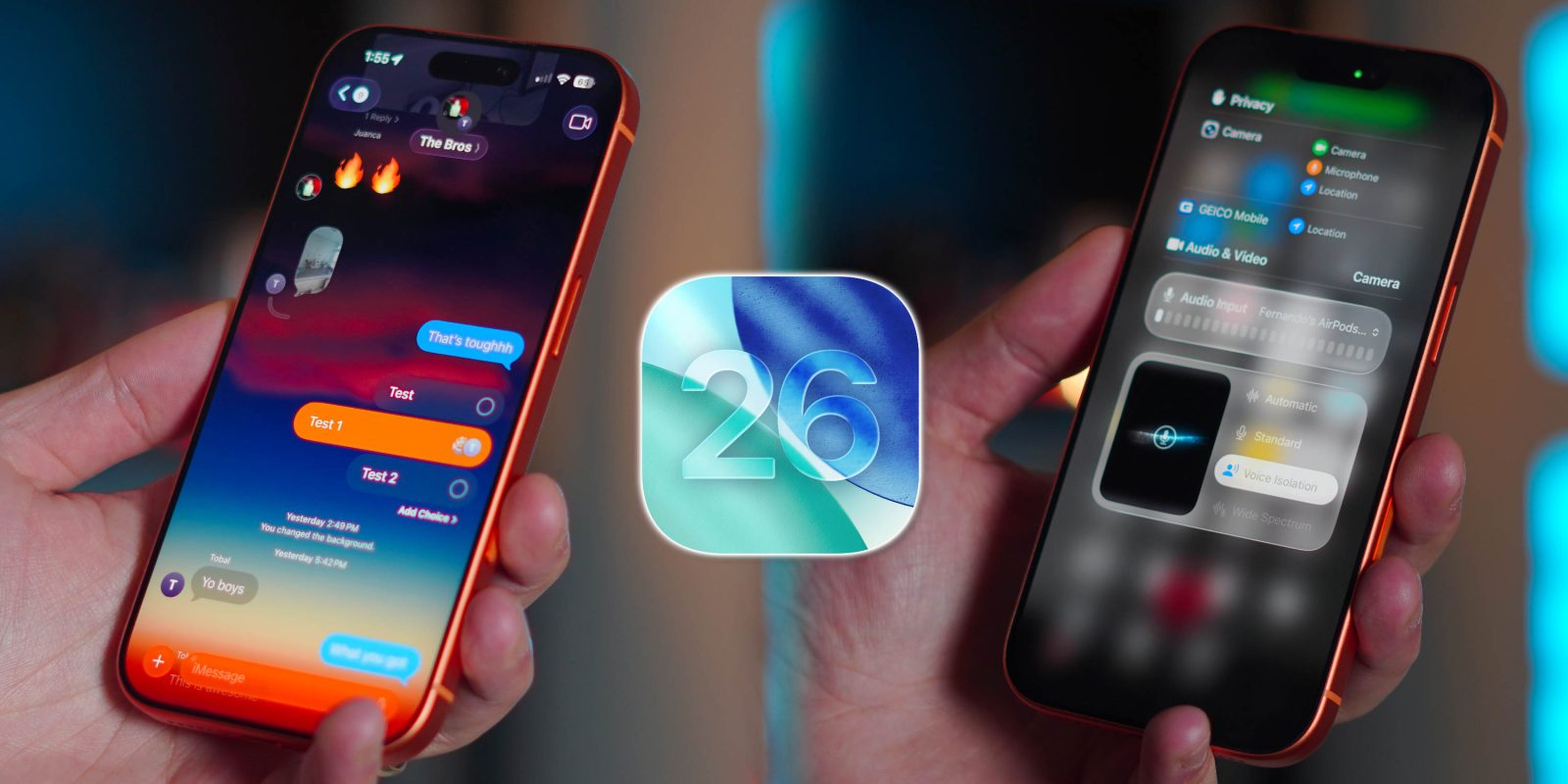
Apple’s latest software release, iOS 26, has introduced a significant visual overhaul to the iPhone, showcasing features like the new Liquid Glass UI and a redesigned Camera app. Yet, beyond the highlighted updates, users have discovered several practical enhancements that enhance daily functionality. After several months of using iOS 26 and its incremental update, iOS 26.1, it appears that Apple has kept some of the most beneficial features under wraps.
Key Functional Enhancements in iOS 26
Among the standout features is the ability to select partial text in iMessage. Previously, users had to copy entire messages to isolate specific portions. This update allows for straightforward selection directly within the messaging app, streamlining communication.
Another notable improvement is the introduction of live translation in iMessage. Users can now translate messages in real time across multiple languages including English, Spanish, and Chinese. Once the necessary language pack is downloaded, a notification appears, showing translations as users type and receive messages. This feature significantly reduces language barriers, making conversations more fluid and accessible.
For content creators, the integration of AirPods as a microphone in the Camera app marks a substantial upgrade. When recording video, users can now utilize the superior audio quality of AirPods, especially in noisy environments. This feature enhances sound clarity, making it easier to produce professional-looking content without external microphones.
Another practical change relates to the alarm function. For the first time in two decades, users can now customize the snooze duration, choosing settings ranging from 1 to 15 minutes. While the default remains at nine minutes, the option to alter this setting provides greater flexibility for users.
Additional Features Enhancing Daily Use
The Reminders app has also seen a significant upgrade in iOS 26. Users can now add reminders throughout the interface, including the Control Center and lock screen. Additionally, reminders can sync with the Calendar app, a feature that many users have long desired.
The calling experience on iOS 26 has improved with the addition of Auto/Manual Hold Assist. This feature alerts users when a call is back on the line and even transcribes the other party’s words, allowing for informed choices about whether to re-engage.
Furthermore, Siri has gained new functionality during phone calls. Users can now type queries to Siri without interrupting conversations, providing quick access to information even while engaged in a call.
These enhancements in iOS 26 and 26.1 reflect Apple’s commitment to improving user experience through thoughtful updates. While there are numerous new features, the above improvements focus on everyday usability, making them relevant for a broad audience.
As users continue to explore the functionalities of iOS 26, it is clear that many of these hidden features will significantly enhance the overall iPhone experience. With additional features such as security updates and system-level AI improvements on the horizon, Apple seems poised to continue elevating its software offerings. Users are encouraged to share their experiences and favorite new features as the iOS landscape evolves.