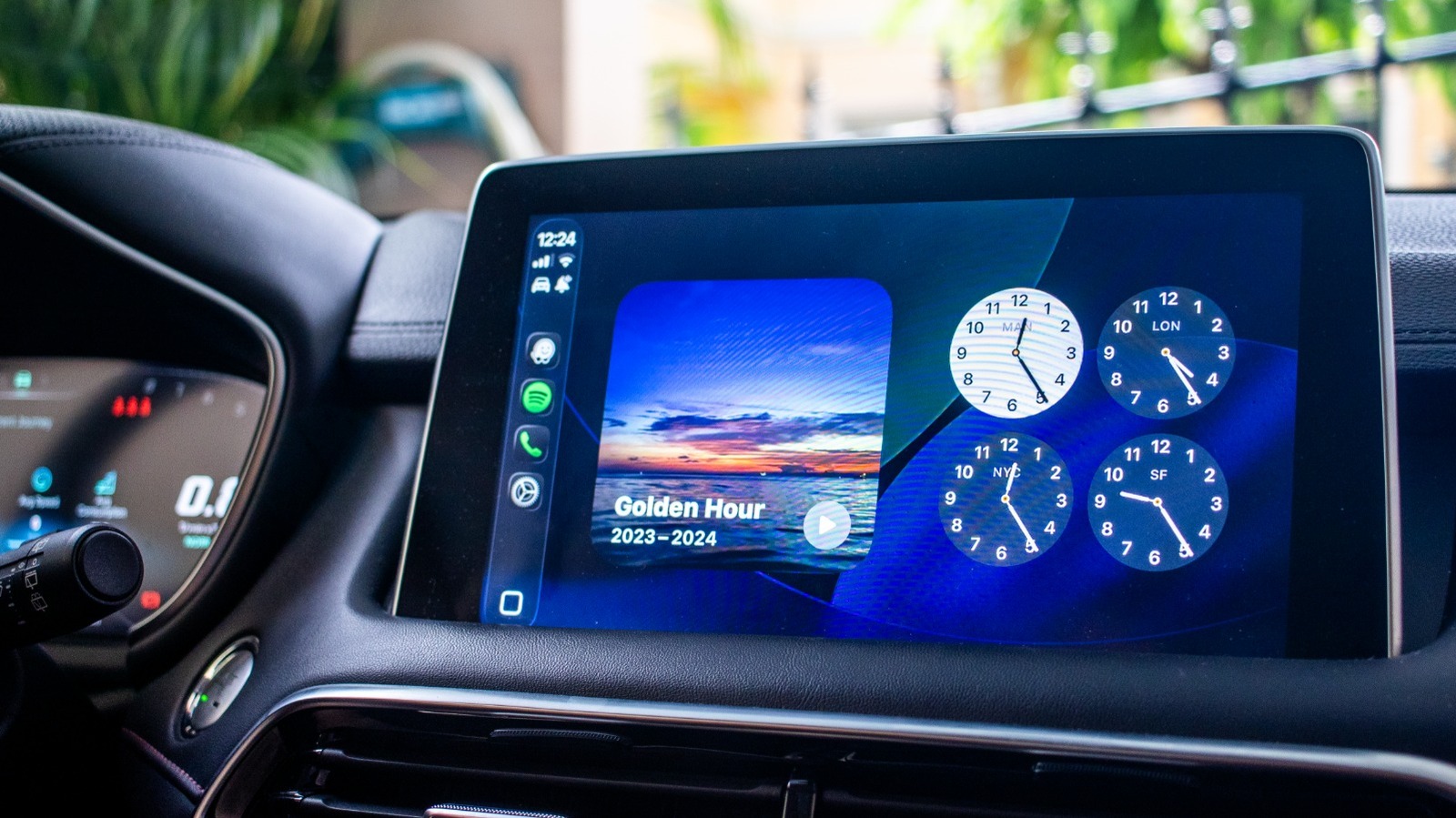
Apple’s latest update to CarPlay, introduced with iOS 16, has expanded its functionality by integrating widgets that allow drivers to access apps more seamlessly on their infotainment screens. While some users have found the experience underwhelming due to the limited number of compatible applications, several widgets stand out as particularly useful for enhancing the driving experience.
Understanding how to add these widgets can significantly improve your in-car routine. Users can easily customize their display through the settings on their iPhone, making it possible to access vital information at a glance. Even though the current limitations prevent using widgets alongside navigation and music simultaneously, there are several that can be beneficial when you do not require real-time directions.
Maximize Efficiency with the Right Widgets
One widget that drivers may not immediately consider is the Amazon widget. This feature provides timely reminders about incoming packages, which can be especially helpful before leaving home. If you missed a delivery notification, the Amazon widget alerts you to items you are expecting. This capability allows you to inform others at home about deliveries, ensuring no surprises occur while you are out. Additionally, if you are using an Amazon Locker or Counter for package pickup, the widget can remind you to stop by, though it is advised to refrain from browsing for deals while driving to avoid distractions.
Another engaging option is the integration of Microsoft’s Copilot. This widget offers a conversational AI experience, allowing users to ask questions or engage in discussion while on the road. Activation requires the iPhone to be unlocked, but the interactive nature of Copilot makes it a great companion during long drives. It can help alleviate feelings of fatigue or monotony by stimulating conversation, making it a useful tool for both solo drivers and those traveling with passengers.
For music enthusiasts, the Dynamic Lyrics widget enhances the listening experience by displaying song lyrics from Apple Music or Spotify. For users with a Premium subscription, this feature not only allows for sing-alongs but also includes the option to set up a collaborative playlist through Spotify’s Jam session. The subscription model is affordable, with options at $5 annually or $10 for a lifetime license, making it accessible for most users.
Stay Connected with Podcasts and Smart Home Controls
The Apple Podcasts app is another valuable addition to CarPlay, providing quick access to the latest episodes from your favorite shows. The dedicated widget allows users to navigate their podcast library efficiently, offering views such as “Up Next,” “Library,” and “Shows.” This accessibility is particularly useful for those who prefer a streamlined approach to managing their listening habits while on the road.
Home automation enthusiasts can benefit from the Apple Home or Google Home widgets, which provide shortcuts for controlling smart devices directly from the CarPlay interface. This feature is especially convenient for tasks such as opening a garage door or turning on home air conditioning units before arriving home. While initial setup may require some effort, the convenience of controlling smart gadgets without needing to interact with your phone or dashboard can enhance safety and efficiency.
As the automotive landscape evolves, the integration of technology like CarPlay continues to shape how users interact with their vehicles. By incorporating these widgets, drivers can customize their experience, making daily commutes and road trips not only more enjoyable but also more efficient. With ongoing advancements, the future of driving is poised to become increasingly connected and intuitive.