Amazon’s diverse range of devices, including streaming sticks and security cameras, may be sharing your internet connection with others in your area through a feature known as Amazon Sidewalk. This wireless network, which operates in the background, enables devices to remain connected even when they are out of your home’s Wi-Fi range. While this innovation promises convenience, it raises significant privacy concerns for users.
Understanding Amazon Sidewalk
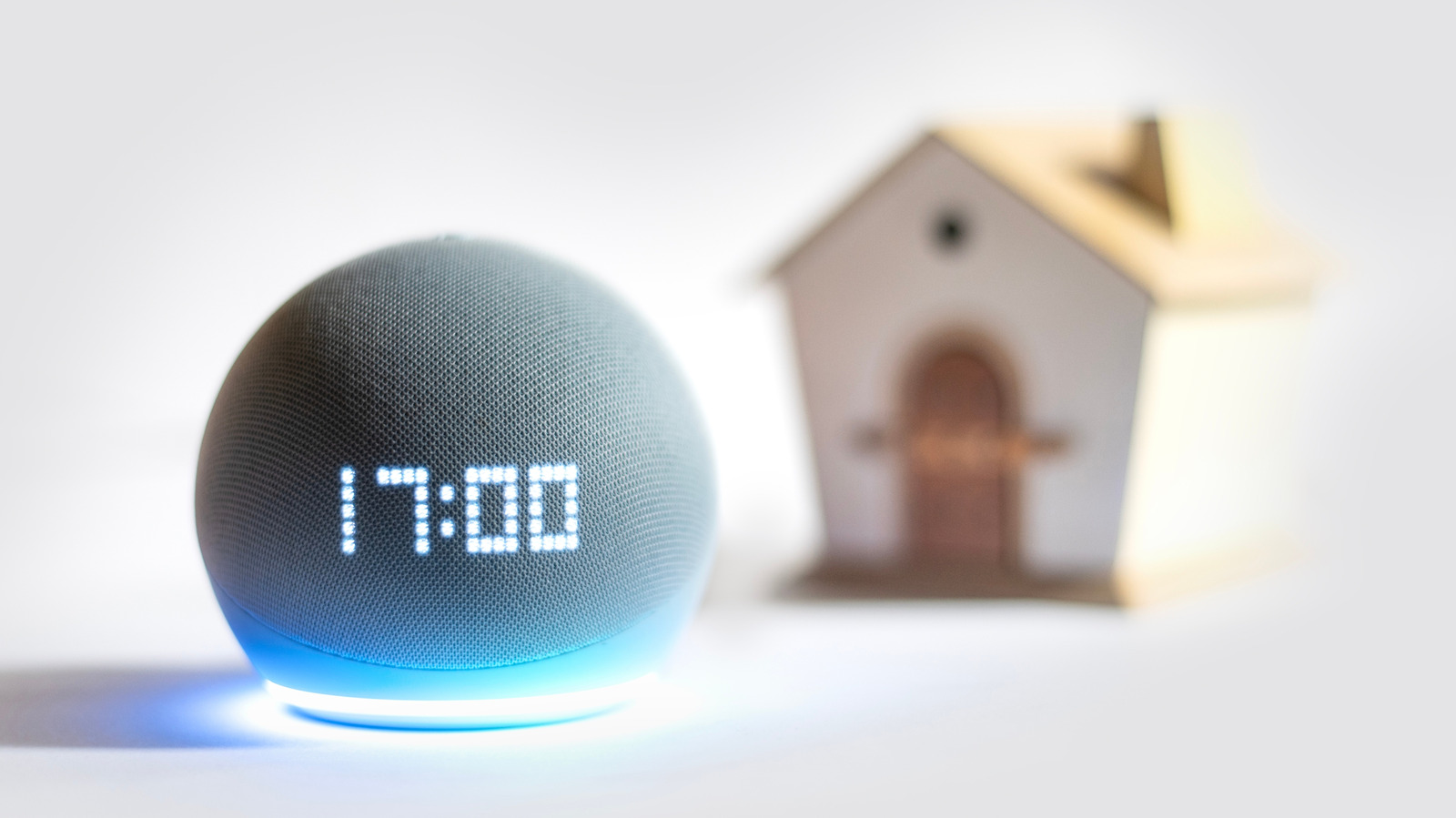
Launched several years ago, Amazon Sidewalk is designed to create a low-bandwidth network that uses other Amazon devices within the vicinity to maintain connections. Devices such as Echo speakers and Ring cameras serve as “Bridges,” linking to nearby Sidewalk-compatible gadgets like smart locks and motion detectors. This setup allows for seamless communication, enabling users to receive notifications and updates on their smartphones regardless of their location—be it across town or across the country.
According to Amazon, over 90% of households in the U.S. benefit from Sidewalk coverage. Each Amazon account is limited to a monthly data cap of 500MB, addressing concerns about excessive internet usage. Despite its advantages, the concept of a crowdsourced network has sparked debates about data privacy and security.
Privacy Concerns and Security Measures
While Amazon has not explicitly labeled Sidewalk as a mesh network, its functionality resembles that of one, allowing devices to communicate with each other. To safeguard user information, Amazon employs multiple layers of encryption to protect data transmitted between devices and the cloud. This encryption makes it nearly impossible for other users or even Amazon itself to access the contents of the data being shared.
The concept of utilizing a crowdsourced network is not unique to Amazon. Apple has successfully employed a similar approach for its Find My network, which allows users to locate lost devices even when they are out of Bluetooth range. Similarly, Google’s new Find Hub network utilizes this technology to help users track phones and compatible accessories worldwide.
Although Amazon’s encryption protocols aim to alleviate privacy concerns, users who are hesitant to participate in the Sidewalk network have the option to disable the feature. To do this, users can follow these steps:
1. Open the Alexa app on their smartphone.
2. Ensure it is signed in to the same Amazon account as their smart devices.
3. Access the menu and navigate to Settings > Account Settings > Amazon Sidewalk.
4. Toggle off the “Amazon Sidewalk” option.
If users do not see this toggle, it may indicate that they do not own any Sidewalk-compatible devices.
As the integration of smart technologies continues to expand, understanding the implications of features like Amazon Sidewalk becomes increasingly important. While the convenience of maintaining connectivity through a shared network is appealing, consumers should weigh the potential privacy risks against the benefits.